From Cake Recipes to Shopping Carts: A More Useful Online Store
We didn't want a recipe to be a dead end. We wanted it to help someone bake—and make it easier to buy what they needed.
A store selling confectionery ingredients and baking tools has an opportunity that an ordinary online catalog can easily overlook: customers aren't always searching for a product name. Sometimes they're searching for something they want to make.
A cake recipe is a perfect example. The visitor has a goal, a list of ingredients, and a set of tools they may or may not already own. The useful website connects those needs without turning the recipe into a giant advertisement.
We had already linked helpful articles to relevant products on other projects. For this store, we took that principle much further.
Start with the way the reader thinks
A recipe page still needed to feel like a recipe: photography, instructions, and a recognizable list of ingredients. The store covered many baking-related products, including decorations, ingredients, and equipment. We worked with content such as Napoleon cake and another memorable cake called Maska.
Initially, our content-to-commerce pattern involved related product cards below an article. That presentation had worked well on other websites, but a recipe demanded a more specific interface.
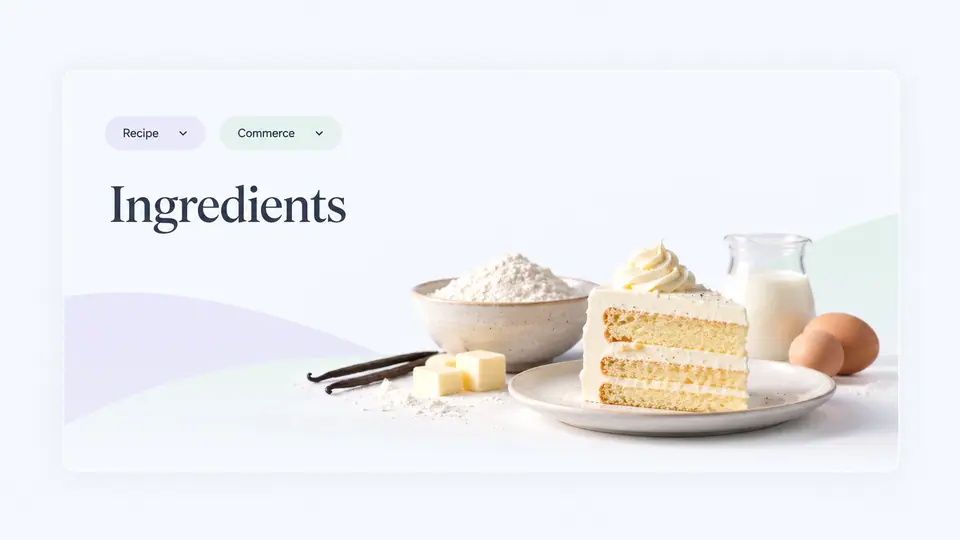
We placed ingredients in a clear table, with links to products available in the store. Beneath the ingredient section, we kept visual cards for optional equipment: mixers, decorating tools, and other accessories relevant to the baking process.
It was a small design distinction with a large effect on usability. Ingredients looked like a shopping list. Equipment looked like products worth considering. People didn't have to decode a generic catalog layout to understand the relationship.

A simple button removed a lot of effort
As customers used the recipes, we noticed purchases that contained many or all of the listed ingredients, sometimes accompanied by equipment. That gave us an idea: why make someone add each ingredient one by one?
We introduced Add All Ingredients to Cart. Equipment could be included separately when wanted, rather than automatically adding a mixer or accessory the customer might already own. Buyers could still adjust their selection.
This reduced the number of repetitive steps between reading a recipe and starting a purchase. Instead of building a shopping list from scratch, the visitor could begin with the recipe's ingredients and make changes as needed.
We later observed that ingredient purchases increased. It was an encouraging commercial signal, though not a controlled measurement of the button's isolated effect.

Packages don't always match recipes
Baking products come in awkward quantities. A small bottle of decoration might last for dozens of cakes, while another ingredient may cover only a few. We added information showing approximately how many cakes a given package could support.
That gave people a better basis for choosing between package sizes and quantities. If one ingredient was sufficient for ten cakes but another covered only five, a customer planning for ten could choose two of the second item.
Importantly, we showed the calculation and let customers choose quantities manually. We didn't build an automatic button that silently recalculated every package against a chosen cake count. Some ingredients last vastly longer than a single recipe, making such behavior confusing or wasteful.
Visitors sometimes purchased extra packages, perhaps for future baking or to combine everything into one delivery. We could see the purchasing behavior, but we wouldn't pretend to know every buyer's motivation.

The unexpected side of a good experience
One customer ordered two of a cake turntable or similar decorating accessory. When the business followed up, the customer explained that they enjoyed the website and intended to give the second item as a gift to a family member.
That wasn't a conversion tactic we planned. It was a reminder that a pleasant buying experience can lead to decisions that aren't captured by a simple feature checklist.
Some customers returned for additional purchases. We observed both organic search visits to the recipe content and shopping activity connected with the products it featured.
Why the technical foundation mattered
A page like this joins several systems: content, product references, prices, search, cart actions, image delivery, and a structure that search engines can understand. We built it on a lightweight custom platform tailored to the store's needs.
That let us adapt how ingredients and products were displayed without being limited to a generic article template. As we improved the content, the shopping experience evolved with it.
The important lesson isn't that every store needs exactly the same recipe feature. It's that useful content can become part of the buying experience when the connection is natural.
More than a recipe page
For this business, readers could move from inspiration to action without losing the context of what they wanted to make. The recipe remained useful even if they didn't buy. And for those ready to shop, the next step became substantially easier.
That's the kind of custom ecommerce work we value: not adding features because they're trendy, but building an interface around a real customer task.